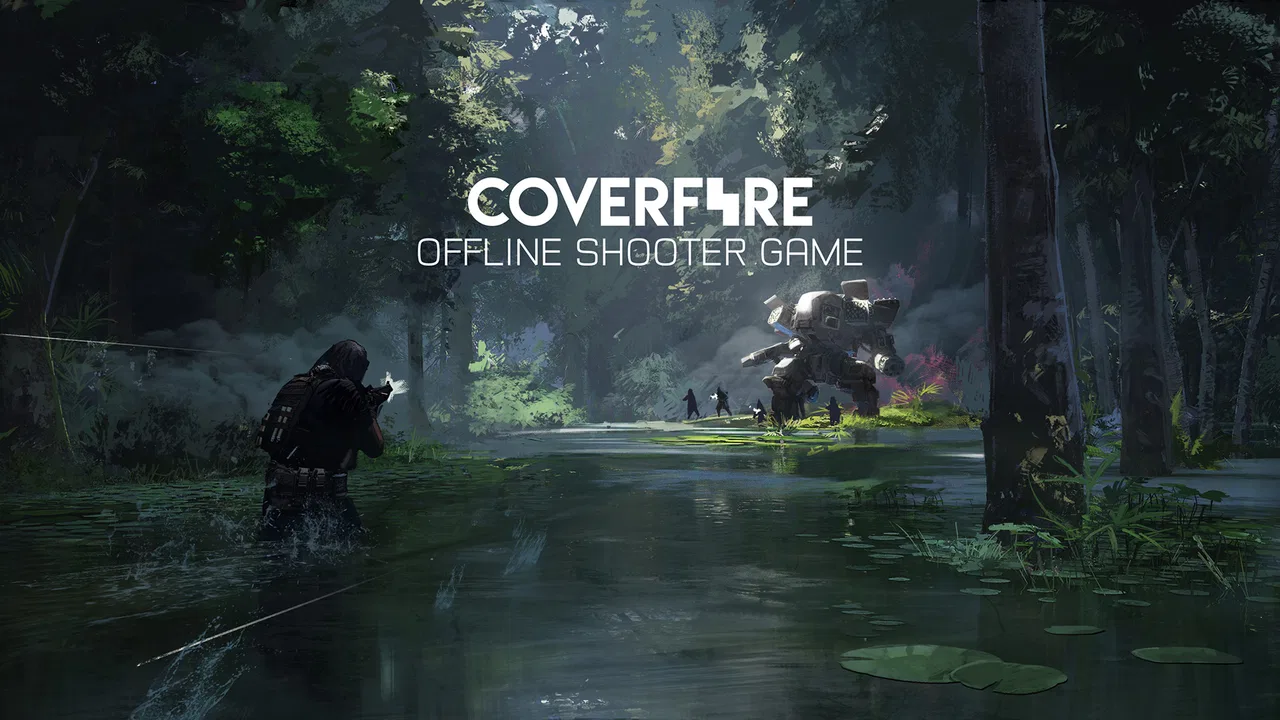
Cover Fire: Offline Shooting
- 4.6
- Rating
- 100.00M
- Installs
- Free
- Price

 Analysis by App-foxy
Cover Fire: Offline Shooting is the kind of action game I can pick up when I want a focused burst of shooting without needing a constant connection. Developed by Viva Games Studios, it puts the emphasis on mobile-friendly missions, cover, and sniper-style accuracy rather than trying to reproduce the full complexity of a console shooter. I found it easy to understand at the beginning, but it still has enough pressure in later encounters to make careful movement and timing matter.
The biggest reason to try it is simple: it works as an offline shooter, so it suits commutes, waiting rooms, and other moments when mobile data is unreliable. It is free to start, although optional purchases range from $0.99 to $84.99 per item. That combination makes the game accessible, but it also means I had to pay attention to how quickly progress, upgrades, and patience can become connected.
It is rated Teen, and that feels appropriate for its combat-focused presentation. The game has been available since March 30, 2017, and its popularity is reflected in an average rating of 4.6 from around 2.6 million ratings, with over 100 million installs. Those figures do not automatically make it a good fit for everyone, but they do suggest that its short mission structure and straightforward controls have found a large audience.
You May Also Like

 AccuWeather: Weather Radar
AccuWeather Review: A Quick, Clear Forecast for Everyday Decisions
For everyday plans, the best forecast is the one you can understand quickly. AccuWeather makes rain timing, radar, and local conditions easy to act on, with a few trade-offs.

 Hill Climb Racing
Why Hill Climb Racing Still Turns Crashes Into One More Run
A tiny car, a bumpy hill and one more upgrade: Hill Climb Racing keeps resurfacing because its simple chaos makes every near-miss feel personal.

 AliExpress - Shopping App
AliExpress Makes Global Shopping Feel Personal, but Shoppers Bear the Risk
AliExpress turns a global marketplace into a pocket-sized discovery engine. Its reach is useful, its shopping loop compelling, and its trade-offs easy to miss.

 Lords Mobile: Kingdom Wars
Lords Mobile Is a Kingdom-Building Routine, Not a Quick Match
A case-by-case verdict on the building, battles, device demands, and social commitments that make Lords Mobile rewarding for some players and exhausting for others.

 PDF Scanner app - TapScanner
TapScanner Makes Paperwork Easier to Capture, Check, and Share
TapScanner makes scanning with a phone feel less like a rescue operation and more like a dependable step in getting work done. Its capture tools are useful, though not flawless.

 Block Blast!
 Shows How Much a Puzzle Game Can Leave Out
A quiet grid game shows why puzzle players increasingly value instant clarity, repeatable skill and low-pressure play—and where the genre still needs to catch up.
More From Our News Desk
View All News


Getting from the first launch to a satisfying win
I focus here on the small choices that turn the opening missions into a satisfying win, rather than simply rushing to the end. In my experience, choosing one clear target priority and sticking with it makes retries more useful: I can tell whether my aim or my timing needs work. That practical approach also sets up the next section’s closer look at what tends to trip up new players.
What the first few minutes feel like
When I begin a new session, I do not expect a slow tactical simulation. Cover Fire presents itself as a direct, action-led experience: enemies appear, I aim, I fire, and I look for the next safe opportunity. That immediate rhythm is useful for first-time players because the game does not require me to learn a complicated control scheme before I can understand whether I enjoy it.
The camera perspective and touch controls are designed around quick decisions. I generally keep one finger ready to aim while using the other to manage the action, then pause briefly between encounters to check what is happening. That pause is important. New players may be tempted to fire continuously, but controlled bursts and deliberate target selection are usually more reliable than treating every scene like a reflex test.
The store summary calls it an addictive offline shooter and sniper game, and I understand why. Missions are naturally easy to frame as “one more attempt,” especially when I miss a key shot or reach the end of an encounter with very little room for error. The short-session appeal is real, but it can also encourage repeated play when I should probably stop. I recommend setting a personal limit before starting if you are sensitive to games built around quick retries.
Setting up without overthinking the game
Cover Fire runs on Android devices using Android 8.0 or later. On iOS, I would still approach the first launch with the same practical mindset: give the game a moment to finish its initial preparation, then begin with the tutorial or opening mission rather than searching for every menu immediately. The current version is 1.33.11, so keeping the app updated is sensible when the platform offers an update.
My advice is to play the opening section with sound enabled if your surroundings allow it. Audio cues can help establish when an encounter is changing, and they make the action easier to follow than relying only on visual movement. If you are playing in public, headphones are useful, but the game remains understandable when played quietly as well.
Before spending anything, I would first learn the basic loop and see how far the free progression takes you. The game is free, but the presence of in-app purchases means a new player should not assume that every tempting upgrade is necessary. I prefer to treat the early missions as a test of whether the aiming and pacing suit me. If they do not, buying an item will not fix the underlying mismatch.
One small habit made my first sessions smoother: I stopped holding the screen down by default. Instead, I moved the aim deliberately, waited for a clear target, and fired only when the crosshair was where I wanted it. This sounds obvious, but touch shooters can make players rush because the screen feels busy. A calmer hand improves accuracy and also reduces the frustration of wasting shots during the opening encounters.
The first meaningful success
The first satisfying success is not simply finishing a mission. For me, it came when I completed an encounter while making fewer hurried shots than before. That showed me what the game rewards: observation first, action second. If you are new to Cover Fire, choose one improvement for your first serious attempt, such as prioritizing the most exposed enemy or waiting for a clean line of sight.
Cover is more than decoration. It gives the scene a rhythm of exposure and protection, so I try to use the moments when the character is relatively safe to scan the area rather than immediately attacking. This is one of the game’s more important lessons, and it is easy to miss if you view every obstacle as background scenery. The best approach is often to identify the threat that can interrupt your next move, then deal with it before chasing a less urgent target.
Sniper-focused moments require a different mindset from ordinary shooting. I slow down, make smaller aim adjustments, and avoid firing simply because a target is visible. A precise shot can be more valuable than a fast one, especially when the scene gives me a narrow window. If you are struggling, try focusing on timing rather than speed; the game becomes less chaotic once you stop treating every target as an emergency.
A useful everyday scenario is a train ride with inconsistent reception. I can launch the game, play a few missions, and put it away without needing to coordinate with other players. That makes it more convenient than many online shooters, which may demand a stable connection, longer matches, or a commitment to teammates. The trade-off is that Cover Fire feels more like a directed solo challenge than an unpredictable contest against human opponents.
Where new players commonly get confused
The first confusion is usually the meaning of progression. Completing a mission can feel like the main goal, but the surrounding systems encourage players to think about improvement as well. I found it helpful to separate three questions: Can I finish this encounter? Can I finish it more cleanly? And do I actually need an upgrade for the next challenge? Keeping those questions separate prevents every difficult moment from turning into a purchase decision.
Another source of friction is the difference between visible action and useful action. Enemies may draw attention because they are moving or easy to see, while a more dangerous position is less obvious. I learned to scan the whole scene before committing to a target. This is especially valuable in sniper sections, where tunnel vision can make me miss a threat entering from another angle.
Players may also wonder whether offline play means every part of the experience behaves exactly like an online game. The important practical point is that the core shooter experience is designed to be playable without a connection. I would still prepare the app while connected before a trip, particularly if I am installing it for the first time, and I would not assume that every account, store, or update-related function is available offline.
The purchase system deserves a calm approach. Optional items can be convenient, but convenience is not the same as necessity. I recommend playing until you can identify a specific bottleneck: aiming, mission strategy, or simply lack of familiarity. If the problem is technique, an item will not teach you to read cover or prioritize targets. If the problem is that you dislike repeating a section, paying may shorten the wait but will not change the game’s basic structure.
How I would approach the next step
Once the opening missions feel comfortable, I would stop trying to clear everything at maximum speed and start experimenting with consistency. Use one session to practice careful target selection, another to improve sniper timing, and another to see whether a different approach reduces retries. This gives the game more depth than simply tapping through each mission as quickly as possible.
I also recommend playing with a stable physical setup. Resting the phone against something or holding it with both hands can make fine aiming easier than playing one-handed. That matters more in precision sections than in ordinary encounters. A small improvement in control can be more valuable than repeatedly changing upgrades, because it carries over to every mission.
If you are deciding whether to spend money, wait until you understand your own reason for doing so. A player who wants a relaxed, occasional offline game may never need to buy anything. Someone who enjoys optimizing progress and dislikes repeating difficult sections may consider an optional purchase worthwhile. I would avoid spending simply because a mission feels hard once; difficulty is often a signal to change timing or target order first.
Compared with a competitive online shooter, Cover Fire is better for predictable solo play and quick access. You do not need to worry about opponents with better equipment or teammates who leave mid-match. Compared with a slower tactical game, it is more immediate and less demanding in terms of planning. However, players who want deep multiplayer strategy, broad exploration, or a large arsenal of simulation-like options may find it too directed.
It is also not my first recommendation for someone who dislikes repeated shooting encounters or games that use upgrades as part of their long-term rhythm. The Teen rating and combat focus make the audience clear, and the “one more mission” structure can become tiring if you prefer calm puzzles, story-heavy adventures, or games with no pressure to improve performance.
My recommendation after spending time with it
I think Cover Fire: Offline Shooting is strongest when treated as a compact action game rather than a replacement for a full console or competitive mobile shooter. Its controls are approachable, its missions give me a clear reason to keep trying, and offline access makes it unusually practical for short periods away from reliable internet. The developer, Viva Games Studios, has built the experience around immediate feedback, so I can understand the appeal within a few minutes.
Its limitations are just as clear. Repeated attempts can feel familiar, touch aiming is not equally comfortable for every player, and optional purchases require self-control. The game also asks me to accept a fairly focused loop instead of offering the variety of a broader action package. Those are not deal-breakers, but they should shape expectations before installing it.
For a first-time user, my path would be simple: install it on a compatible device, complete the opening missions without buying anything, practice waiting for clean shots, and judge the experience by whether the basic aiming loop feels satisfying. If your first meaningful win comes from making a better decision rather than tapping faster, you have probably found the game’s real appeal.
My honest verdict is that Cover Fire is worth trying for players who want free, offline-friendly mobile action in short sessions. I would recommend it to commuters, casual shooter fans, and anyone who enjoys improving through repeated attempts. I would steer competitive players toward an online alternative and story-focused players toward something less combat-centered. For everyone else, the low-risk starting point is its biggest strength: play the first stretch, learn the rhythm, and only then decide whether the extra progression options deserve your attention.
FAQs for Cover Fire: Offline Shooting
01What is Cover Fire: Offline Shooting and what can I expect from this game?
Cover Fire: Offline Shooting is an action-packed, first-person shooter game that allows players to engage in thrilling missions without requiring an internet connection. Expect immersive graphics, a variety of weapons, and challenging levels as you lead your team into battle against enemy forces. The game offers both single-player campaigns and special events, making it a versatile option for shooter enthusiasts.
02Does Cover Fire: Offline Shooting require an internet connection to play?
One of the main attractions of Cover Fire: Offline Shooting is its ability to be played completely offline. This feature makes it ideal for users who have limited access to internet or prefer gaming on the go. However, some features such as leaderboards and events may require an internet connection for full access.
03What are the system requirements for Cover Fire: Offline Shooting on Android and iOS?
For Android devices, Cover Fire requires a minimum of Android 4.4 and at least 2 GB of RAM for smooth gameplay. iOS users need to have at least iOS 9.0 installed. While the game is optimized for a broad range of devices, higher specifications will enhance graphical performance and responsiveness.
04Are there in-app purchases in Cover Fire: Offline Shooting?
Yes, Cover Fire offers in-app purchases that allow players to buy various items such as weapon upgrades, special characters, and additional resources. While these purchases can enhance the gaming experience, they are optional, and players can progress through the game without spending real money, relying instead on skill and strategy.
05How does Cover Fire: Offline Shooting ensure player engagement and replayability?
Cover Fire keeps players engaged with a variety of missions and challenges that increase in difficulty. The game frequently updates with new content, including timed events and special missions, providing fresh experiences. Additionally, the diverse arsenal and tactical gameplay encourage players to replay levels with different strategies, enhancing replayability.
Pros
- Stunning graphics with realistic environments.
- Intuitive controls make gameplay smooth.
- Variety of weapons and customization options.
- Engaging storyline with immersive missions.
- Offline mode available for uninterrupted play.
Cons
- Limited multiplayer options available.
- Requires frequent updates for new content.
- In-app purchases can be expensive.
- Some missions feel repetitive over time.
- Occasional ads disrupt the gaming experience.

Cover Fire: Offline Shooting
Gallery